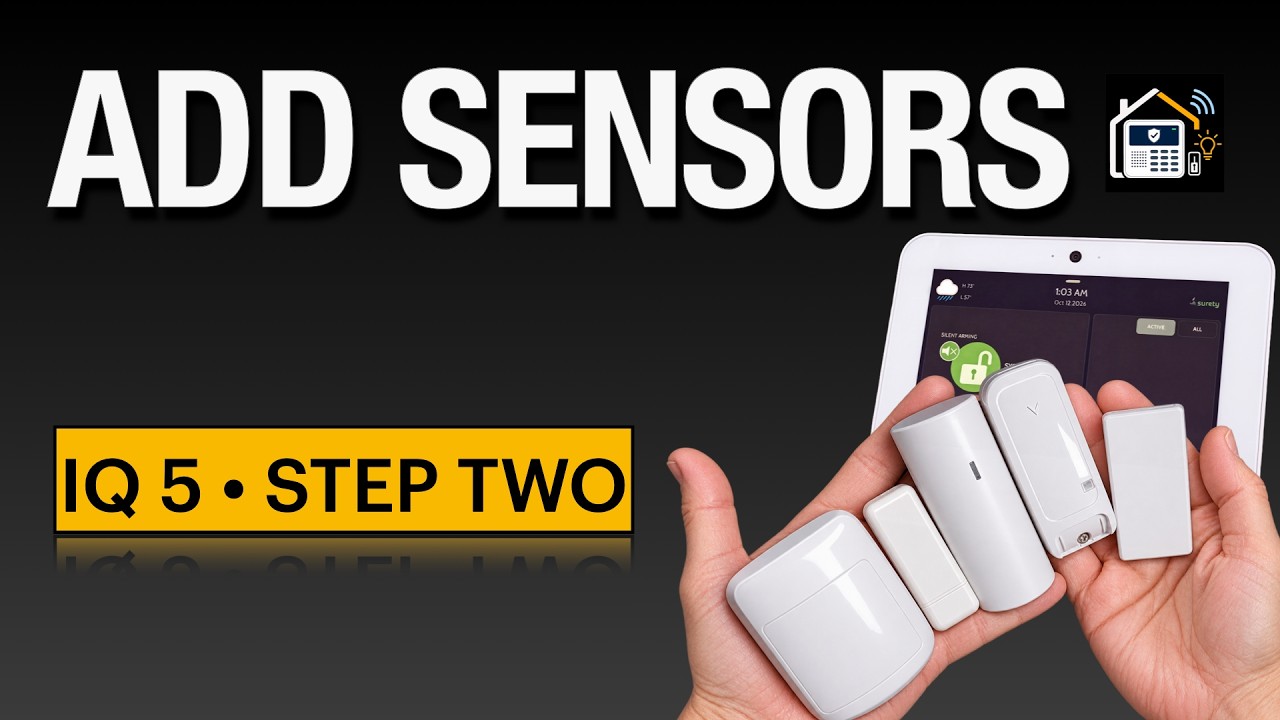
Episode two of the IQ Panel 5 series is live. Now that the IQ 5 panel is up and running and connected to alarm.com, its time to add some sensors. In this video I walk through the process of adding sensors to the IQ 5, showing multiple ways to get the job done across three technologies you are likely to use: legacy 319, PowerG, and the newer PowerG Plus. We discuss auto-learn, manually adding by DLID, and the QR code method, how to delete a sensor and finish with a discussion on sensor groups and their overall goodness. 
 Watch it here: https://youtu.be/oHgxtLmBhXo
Sensor groups are discussed in their own segment, due to their importance in controlling the role that each sensor has in securing your home, and how it behaves as you live in it!
This can also be a place where things get fun. Once you understand groups and their capabilities not only can you remove some annoyances of the typical alarm system install, but you might also think up some creative ways to use the panel for other home automation and awareness that previously was inconceivable.
This can take you well beyond a basic alarm, which is one of the blessings of self-installing and using the hardware to the fullest.
I have dropped a few good references on sensor groups down below.
If you are just joining the build, start with episode one where we take the panel out of the box and get it live on Alarm com. And if you are not sure which sensor technology belongs where, watch the sensor types breakdown first. Both are linked below.
Plan before you buy
The free IQ Panel 5 System Planner asks a few questions and turns it into a rough shopping list, and you can post your build to the forum with one click for feedback. FREE IQ System Design Planner Now Available (for IQ Panel 5) - Home Security Talk - Save The Panel | DIY Alarm & Smart Home Community
Affiliate disclosure: some in this article are affiliate links. If you buy through them, Save The Panel may earn a commission at no extra cost to you. As an Amazon Associate I earn from qualifying purchases.
 Products in the video
- IQ Panel 5: IQ Panel 5 - Qolsys - Surety
- Qolsys D/W Extended: IQ Mini Door/Window Extended Sensor - Qolsys QS1137-840 - Surety
- PG9945: Wireless Door Window Sensor & PowerG Magnetic Contact
- PGP9945E: PowerG+ D/W Contact With Auxiliary Input - PowerG PGP9945E - Surety
- Versa Motion: Wireless Motion Detector - PIR-DUAL – Versa Wireless
- Versa D/W & Shock: https://savethepanel.com/versashock319 (paid link)
- IQ Hardwire PowerG: https://savethepanel.com/PG9WLSHW
- IQ Hardwire 16-F (319): Qolsys IQ Hardwire 16F (Small Enclosure) - Qolsys QS-7133-840 - Surety
Monitoring
Surety (no-contract, month to month, self-install): Home Security & Automation | Professional Monitoring | Surety
 Sensor group references
- Johnson Controls: DSC Knowledge Exchange
- AlarmGrid: What Does Each Sensor Group Mean on the IQ Panel 5 System? - Alarm Grid
- Surety: Qolsys IQ Panel 2/4 Sensor Groups Options - How To - Surety Support Forum
Whats in the next video?
Since hardwired sensors are king, next up is takeover modules, the IQ Hardwire 16F and the PowerG hardwire takeovers. They allow connection of existing wired zones, smoke detectors, etc into the panel. And, in the case of the PowerG Hardwire, you can even add wired keypads too!