IQ Panel 5: Unboxing to Initial Setup on Alarm.com
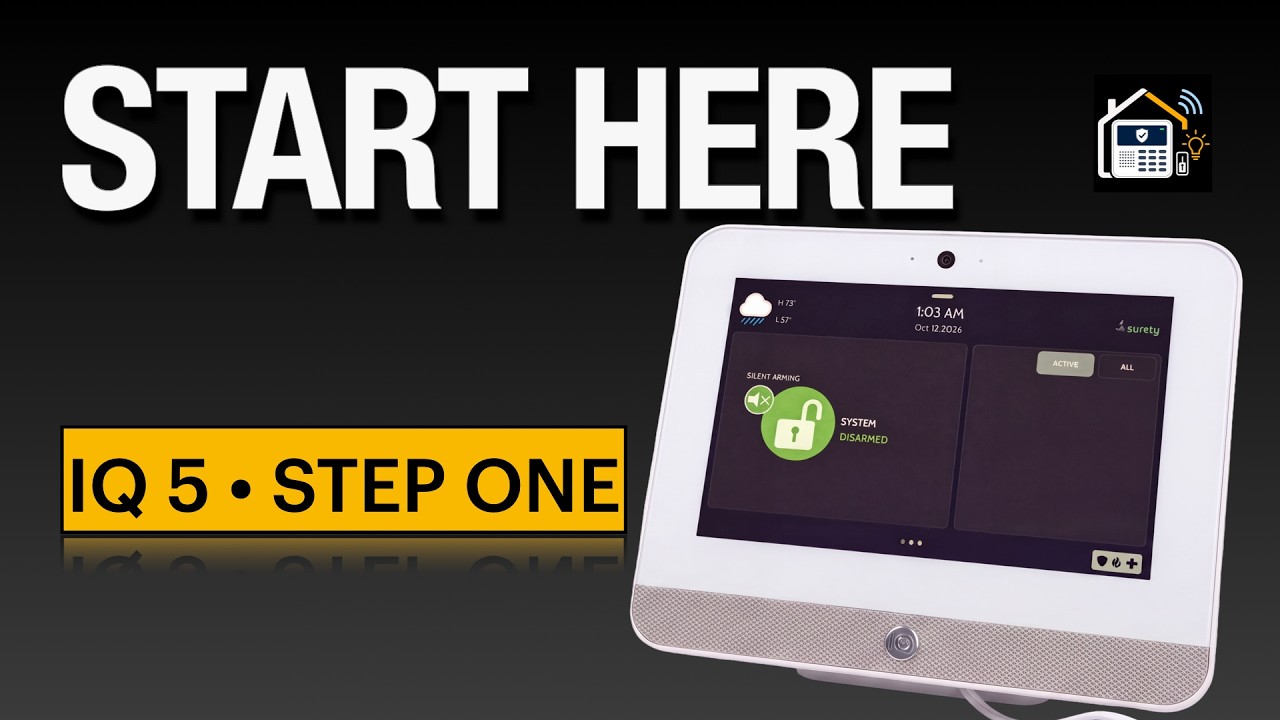
The first video in the IQ Panel 5 series is live. Together we take a brand new Qolsys IQ Panel 5 out of the box and bring it all the way to live and connected to Alarm.com through Surety. This is the full first setup on a fresh panel: unboxing, installing the legacy daughter card, connecting the internal battery, both the desk stand and wall mount power options, the startup wizard, and activating the Alarm.com account.
The goal for this particular IQ 5 is that it will take the place of my “Test” IQ 4 that I have on the test bench! For this reason I went with an ATT flavor just to see how it does (I’m in Verizon territory here) but I’ve got 2/5 Bars! (I did buy the Verizon flavor for my house.)
And because real installs are not always smooth, I left in the part where the wizard based firmware update failed. Rather than cut it and pretend everything went perfectly, I walk through the recovery because that is the useful part!
This is not a migration video
If you are migrating from an existing panel instead of starting fresh, there is a copy process for that and it is its own video. Instead, this video shows a clean, fresh install on a new panel with no migrations.
Keep an eye out for a migration style video soon, where I plan to migrate my IQ 4 to an IQ 5. But that will be painful, since Z-Wave devices don’t migrate!! YIKES! But I digress!
 Watch it here: https://youtu.be/G70kV2TfoYs
Everything from the video
Some links below are affiliate links. If you use them, Save The Panel may earn a small commission at no extra cost to you.
Resources
-
** Check this out! ** IQ Panel 5 System Planner: FREE IQ System Design Planner Now Available (for IQ Panel 5) - Home Security Talk - Save The Panel | DIY Alarm & Smart Home Community
-
IQ Panel 5 setup guide (Surety) : How To Setup Your New IQ Panel 5 and IQ5 Hub - How To - Surety Support Forum
-
IQ Panel 5 Installation Guide (v5.0 from Johnson Controls): DSC Knowledge Exchange
** Every Self-Installer should have this handy or memorized!

Gear and monitoring
-
Surety monitoring (Alarm com, month to month): Home Security & Automation | Professional Monitoring | Surety
-
IQ Panel 5 desk stand: IQ Panel 5 Series Back Stand - Qolsys IQ5ST - Surety
-
Legacy daughter card: How to Install the IQ Card Legacy Radio into the IQ Panel 5 - How To - Surety Support Forum
Chapters
0:00 Who This Video Is For
1:25 Planning Resources
2:15 Unboxing
4:21 Install Legacy Daughtercard
6:02 Connect Internal Battery
6:28 Connect Power and Desk Stand
7:44 Connect Power via Wall Mount
9:23 First Power Up
9:52 Setup Your Surety Subscription and Alarm com Account
14:39 IQ 5 Startup Wizard
18:06 Activate Your Alarm com Account
19:04 What’s Next
20:26 BONUS: Fixing a Failed Firmware Update
The next step?
The next few videos focus on adding sensors and some configuration settings that I personally pay attention to on each panel setup.
How are you doing with yours?
Since I had a couple of bumps with these IQ 5’s out of the box, I’m wondering how everyone else is making out. Drop your out of box story below and let’s discuss. The nice thing is that your issue and your resolution can help out someone else in the same boat!