For those that might have seen my video about using a Zooz ZEN58 to trigger scenes in alarm.com (link below). I had an issue with that setup periodically misfiring that needed a solution.
Click here to watch ‘Best $50 Ever’ video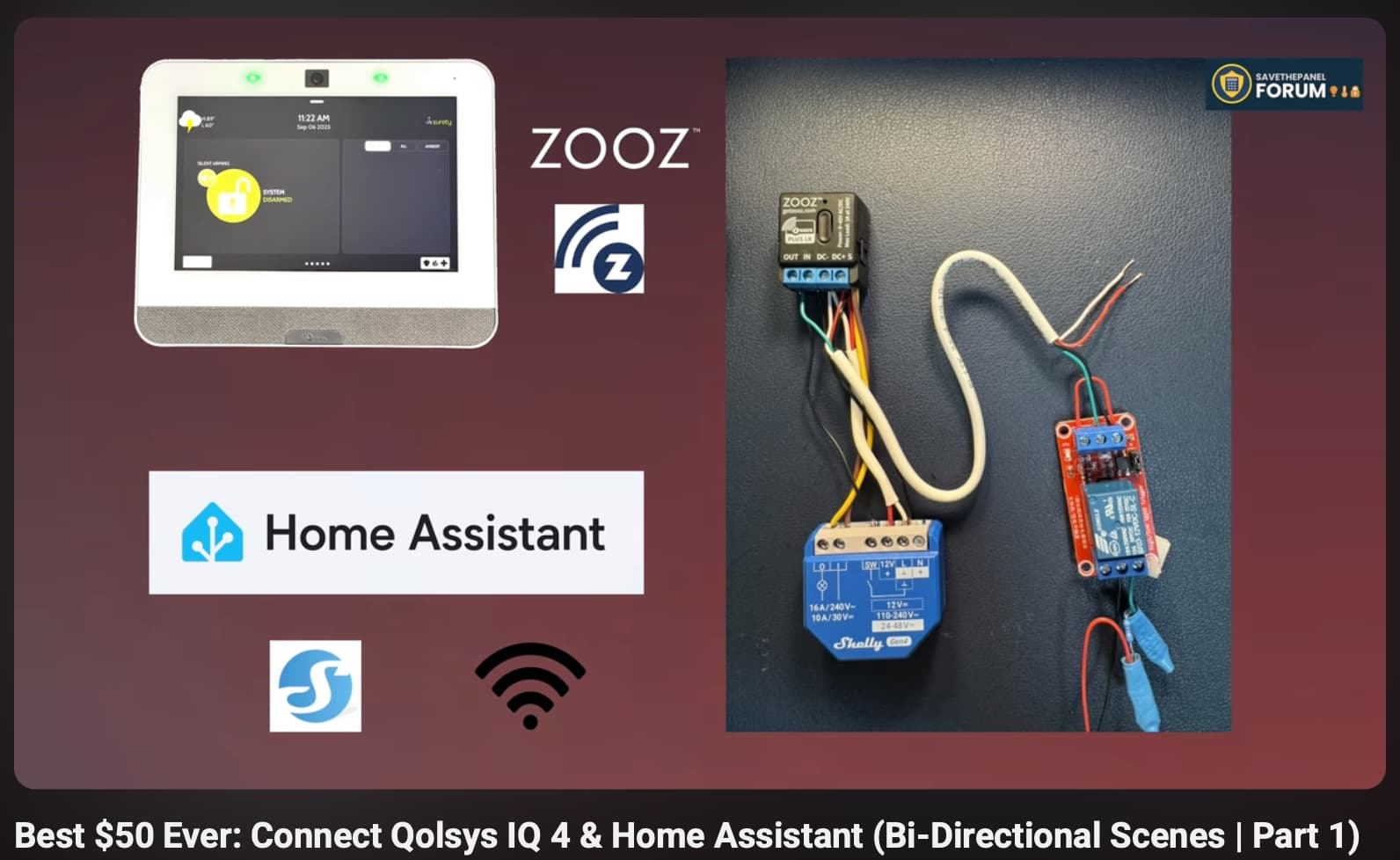
I am using a Shelly 1 relay to trigger the switch input on the ZEN58. So, it emulated ‘clicks’ of the switch - single, double, triple, quadruple, and quintuple clicks. (And button held).
I further expanded its use from what was in the video for a variety of other things - like 5 clicks to turn on inside holiday lighting. In all, this is the configuration of the ZEN58 in alarm.com:
| Clicks | Scene Triggered in Alarm.com |
|---|---|
| 1 | Nite Lite Trigger |
| 2 | Office Lights On |
| 3 | Emergency (Interior lights on for during a fire alarm) |
| 4 | Office Lights Off |
| 5 | Turn on Holiday Inside Lights |
| Hold | Not used |
Issue: The Shelly was connected via Wifi
So the Shelly was generating the multiple clicks through a Home Assistant automation that cycled the Shelly 1 relay on, off, wait 1ms, then repeat as needed to emulate clicks. The problem was sometimes Home Assistant was slow issuing these commands (due to network traffic, or if other automations were running simultaneously in HA, etc).
What would happen is when triggering the Holiday Lights (5 clicks), the ZEN58 would interpret it as a 2 click, then 3 click sequence!!
This turned on all our interior lighting (Emergency Lighting) and turning my office lights on.
Quite the surprise for us all when at 5pm instead of the haunted house lighting up basically every light in the house turned on! 
Solution: Shelly Scripting!
So, rather than generating the multiple clicks with Home Assistant Automation, I wrote scripts locally in the Shelly to create the click sequences. The scripts looked like this:
5 click Shelly script:
// Shelly Script: Simulate 5 rapid relay closures (100 ms apart)
let relayId = 0;          // Change if you want to use a different relay (e.g., 1 for Relay1 on Pro devices)
let cycles = 5;           // Number of on/off cycles
let delay = 100;          // Delay in milliseconds between ON and OFF

function pulseRelay(count) {
  if (count <= 0) {
    Shelly.call("Switch.set", { id: relayId, on: false });
    print(count + "Clicks Sent!");
    Shelly.call("Script.Stop", { id: Shelly.getCurrentScriptId() });
    return;
  }

  // Turn relay ON
  Shelly.call("Switch.set", { id: relayId, on: true });

  // Wait delay, then turn OFF and recurse
  Timer.set(delay, false, function() {
    Shelly.call("Switch.set", { id: relayId, on: false });
    Timer.set(delay, false, function() {
      pulseRelay(count - 1);
    });
  });
}

// Start the simulation
pulseRelay(cycles);
I edited this as needed to do the number of clicks needed, so I had a number of scripts on the Shelly:
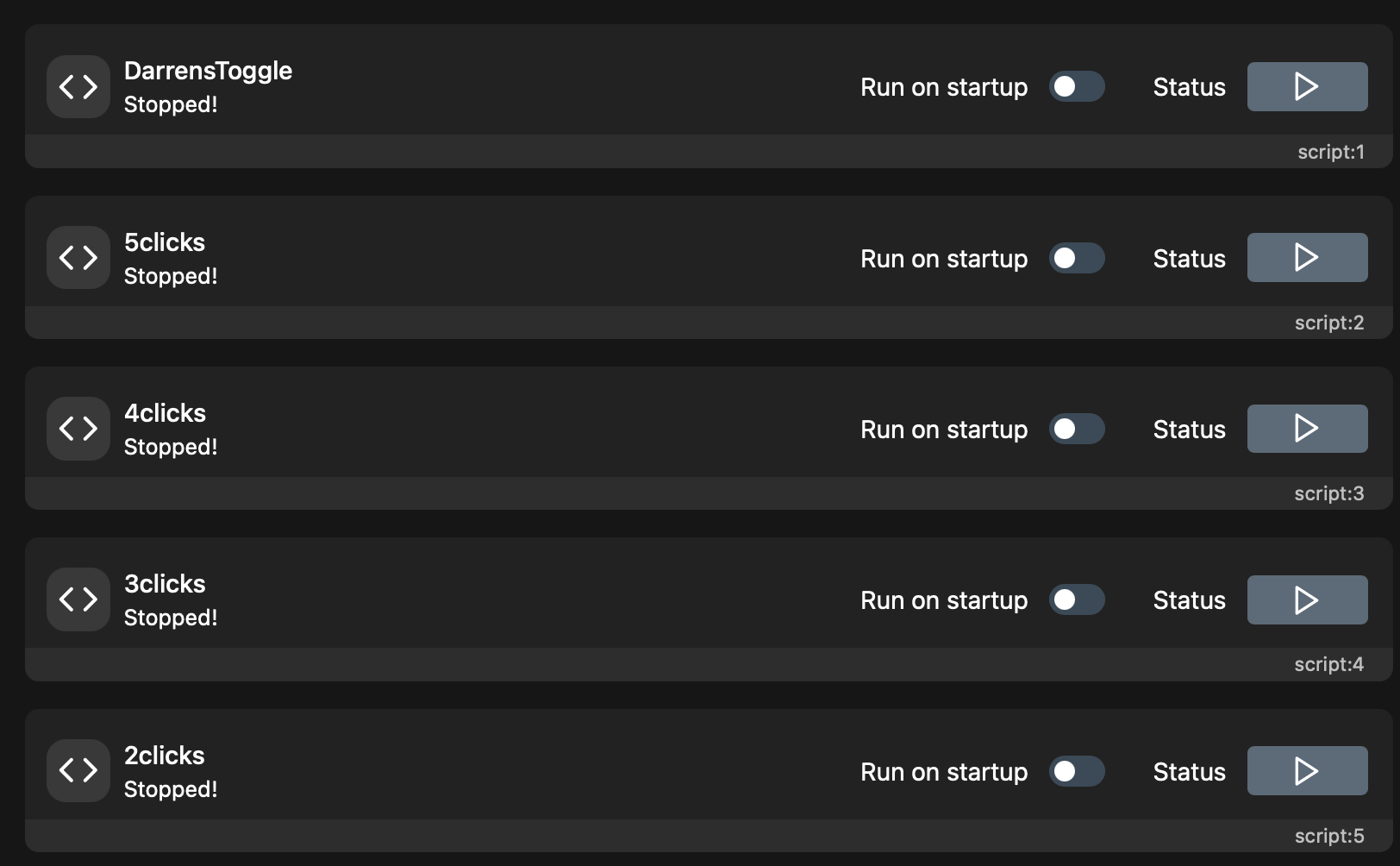
Since these run locally on the Shelly device, they are not susceptible to network or other external impacts on performance!
Triggering in Home Assistant
Each of these scripts appears in the device’s Configuration pane in Home Assistant, and can be triggered by simply ‘turning on’ the script. (They will be shown under “hidden” at first, and then need to be activated in HA.)
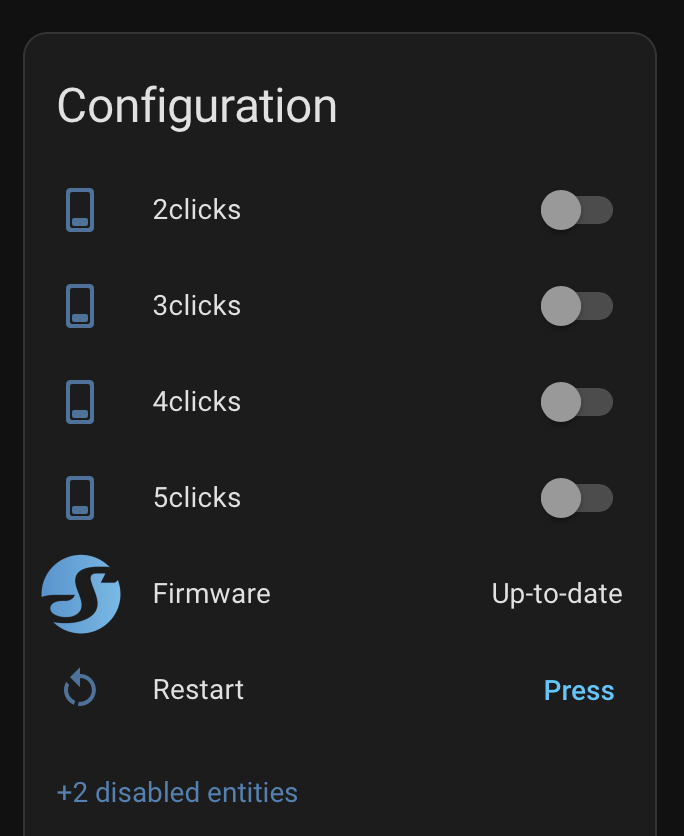
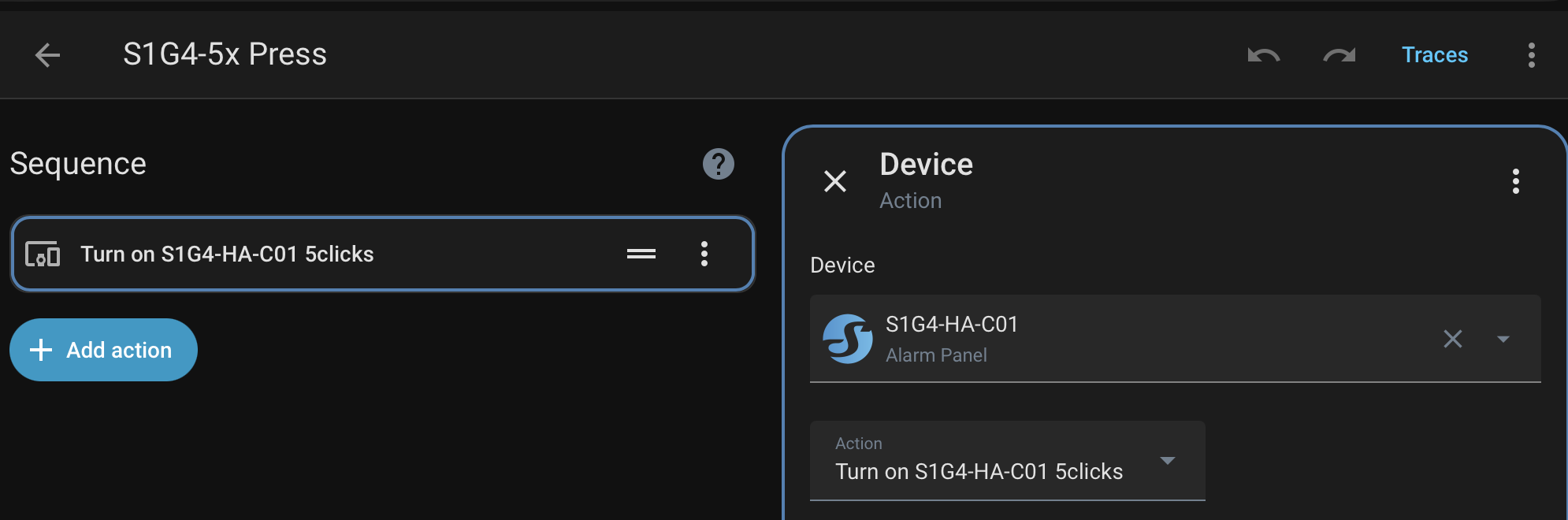
And then I just trigger that script in the automation. Problem Solved.
I hope this helps someone else with a similar situation.
The Power of Shelly Scripting Running LOCAL
This was my first foray into scripting on the Shelly. But can you imagine the power that is actually here? You absolutely can build fully local, robust automation solutions that runs on the devices themselves, with no need for a hub at all … if you are creative at least! It becomes more like the Borg (but without the Queen).