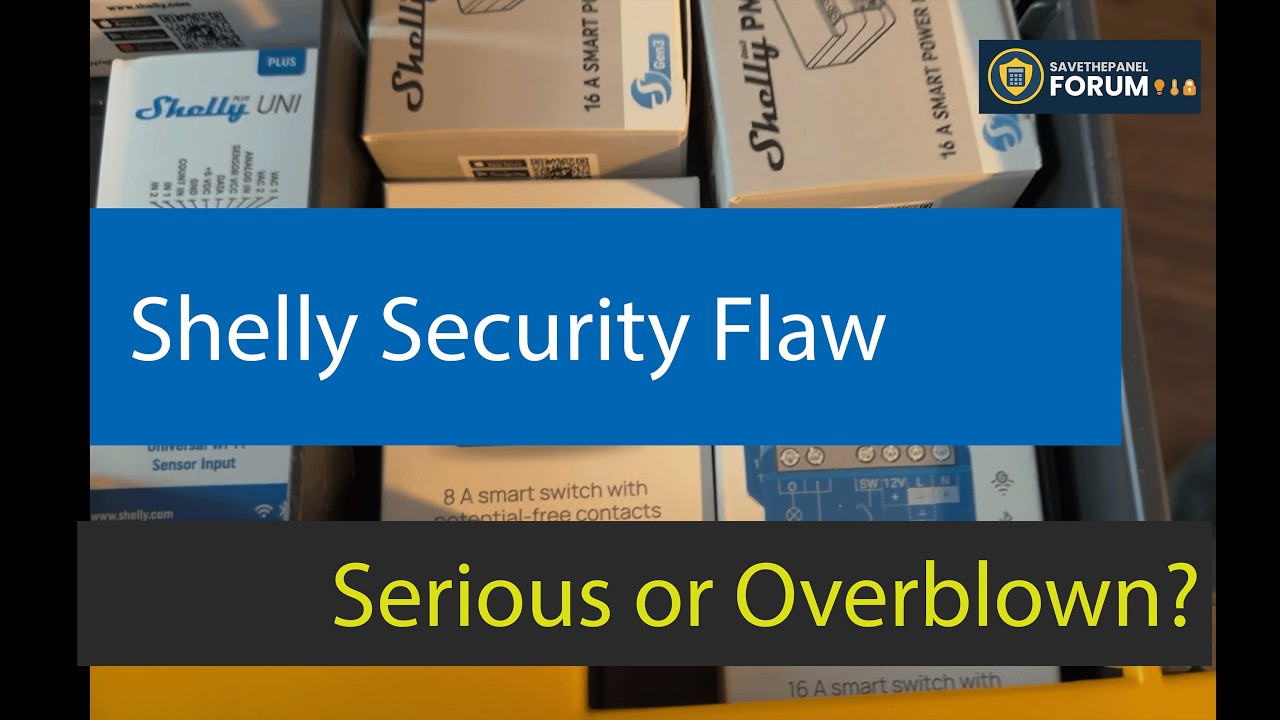
Shelly Security Flaw: Serious Risk or Overblown Headline?
Recent* security research called out the Shelly Gen 4 family for leaving their setup access point broadcasting after web-based configuration. Is your Shelly 1 Gen 4 quietly hosting a backdoor onto your Wi-Fi, or is the headline doing more work than the actual risk? I powered one up cold on the bench and looked at what the researcher saw and what Shelly is doing about it. (*Feb 2026)
The Setup
A fresh Shelly 1 Gen 4 powered with 12V, no prior configuration, joined to its default Wi-Fi AP from a laptop. The point was to reproduce exactly what an attacker within Wi-Fi range sees during first boot.
- Default AP: open, no password, SSID starts with
Shelly... - Default admin at 192.168.33.1: no authentication required
- Configuration path under test: the web interface (the one the report is about)
Findings
- The AP really is open out of the box. No Wi-Fi password, no admin login, full UI access on connect.
- Anyone in Wi-Fi range can join it and reach the device’s admin pages.
- The admin UI can run scripts and command other devices on your network, which makes it a real pivot point, not just a single-bulb hijack.
- If you configure via the web path and skip the AP-disable step, the AP stays up indefinitely, exactly as the report claims.
Digging Deeper
- The flaw is path-specific. Configuring via the Shelly mobile app, or via Matter or ZigBee inclusion, auto-disables the AP. Only the web path leaves it broadcasting.
- The web UI does warn you that the AP has no password. Easy to dismiss, but the prompt is right there.
- Shelly’s response was fast and public. They issued a statement and an upcoming firmware behavior change that closes this scenario. (This has since been fixed!)
- There is a quick at-home audit anyone can run with a laptop to find devices that slipped through the cracks, plus a short mitigation checklist. (Both walked through in the video.). If you have these, update your firmware!
Verdict
Word of caution, not a catastrophe. This is an installer-discipline issue, not a silent Shelly backdoor. Configure responsibly, set device passwords, shut down the setup AP after Wi-Fi handoff, and you have closed the gap. If you have a drawer of Shellies and you are not sure how each was configured, the audit walk in the video is worth ten minutes of your evening.
Watch the full bench test on YouTube: https://www.youtube.com/watch?v=9lMSUi2We_g
I’d love to hear from you. Have you found any forgotten Shelly APs broadcasting on your home network? Does this feel like a real vulnerability or installer oversight to you? Drop your take in the comments. I’m always looking for the next bench experiment.