ZEN56 RGBW Dimmer on the IQ 4 & Alarm dot com: Bench Test Results
Category: In The Lab
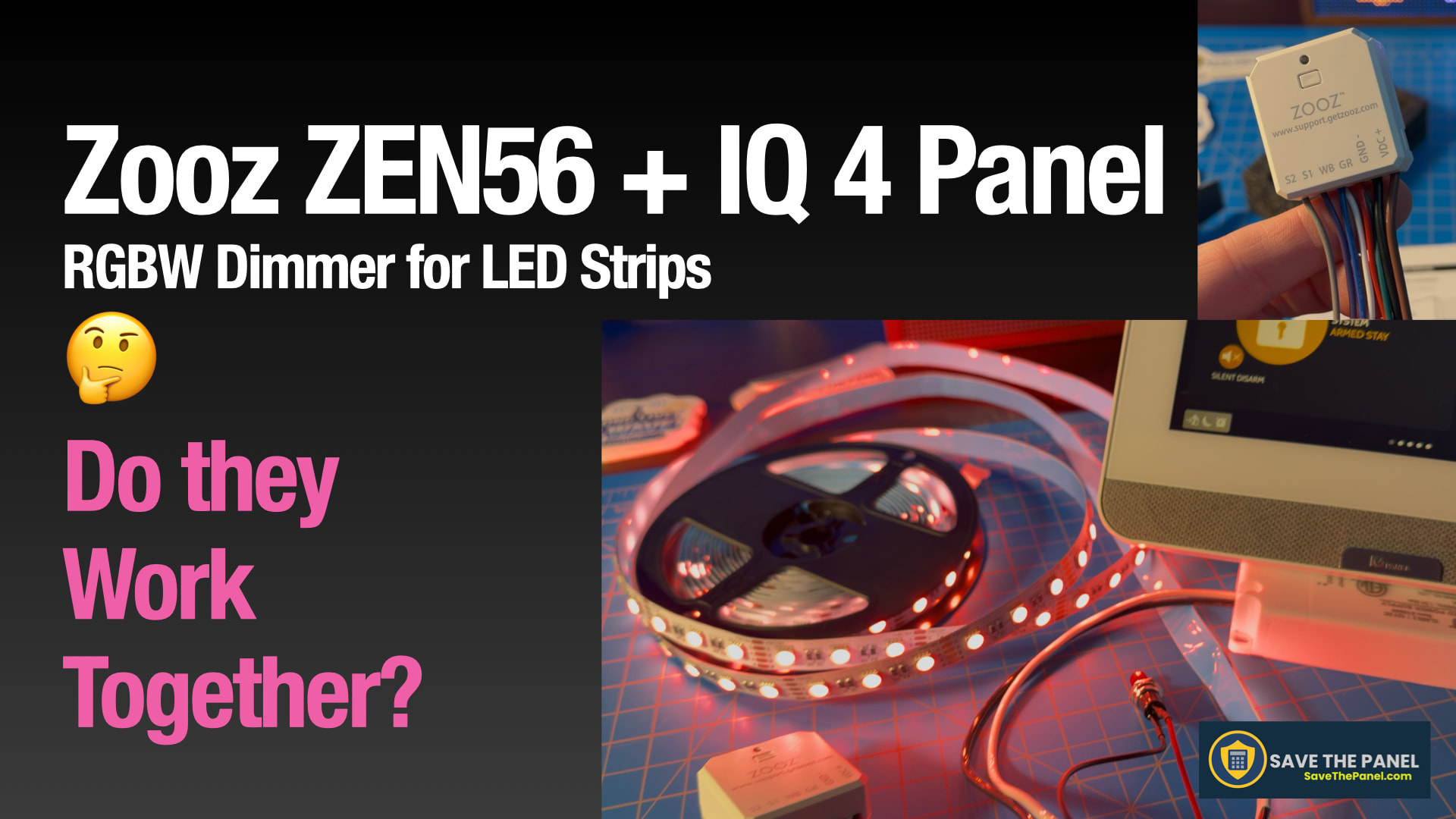
This one has been waiting for a while… Back in March, someone on the Surety forum asked whether the Zooz ZEN56 RGBW Dimmer could work with the IQ 4 and Alarm.com. I finally got around to finding out, and the short answer is yes, it works, with some caveats and one handy workaround I stumbled onto.
 Video below including full walkthrough including wiring, parameter review, and live testing.
Click here to watch on YouTube
The Key To Flexiblity: Parameter 16
The ZEN56 can run two ways depending on Parameter 16:
Default (single multicolor device) presents as one RGB dimmer. Alarm.com recognizes it as a color bulb and gives you a color palette and scene themes. Colors work but can look washed out. Watch the video for the workaround I found that fixes this.
Individual RGBW endpoints (Parameter 16 = 0) each color channel shows up as its own dimmer. The IQ 4 picks up all four endpoints after a re-include which was a pleasant surprise. Colors are vivid and you can blend them using scenes. There are some limitations around sensor-triggered automations in Alarm.com that are worth knowing about before you go down this road.
Bottom Line
| Use Case | Verdict |
|---|---|
| Single color LED strip (e.g., white under-cabinet) |  Works great Works great |
| RGBW strip, single multicolor mode |  Works — see video for color workaround Works — see video for color workaround |
| RGBW strip, individual endpoints + scenes | Vivid color, more setup required |
| Sensor-triggered color automation (door/motion) | Functional in single multicolor mode. When expressing each color endpoint, limited by Alarm.com scene/switch rules |
| Built-in light show presets | Manual parameter push only, not automatable |
Hardware Used
- Zooz ZEN56 RGBW Dimmer: Zooz Z-Wave Long Range RGBW Dimmer ZEN56 800LR for 12-24 V LED Strips - The Smartest House
- BTF Lighting 5050 RGBW 4-in-1 LED Strip
- IQ 4 Panel / Alarm dot com
Questions or tried this yourself? Drop them below. And if you have something you’d like to see on the bench, post it in Lab Integration Requests.