How to enable Dark Mode on IQ Panel
Prerequisites
To enable dark mode on an IQ panel, you must have at least version 4.5.0 installed on your panel.
To check your current version, go to:
- Swipe down from top to access the menu.
- Go to “Settings”,
- Go to “Advanced Settings”
- Enter your installer, dealer or master code
- Go to “About”
- Go to “Software”
- The information under “Software Version” will show you the version you are running.
For example; “4.6.1-ADCS 12.32.13” would indicate software version 4.6.1.
If you need to update your panel, note that updates are not always automatic!!
Follow the procedure here to achieve the upgrade:
Upgrading IQ Panel Firmware (it’s not automatic!)
Enabling Dark Mode
To enable dark mode, go to:
- Swipe down from top to access the menu.
- Go to “Settings”,
- Go to “Display”
- Scroll to the bottom and find “Dark Mode” and turn on the switch
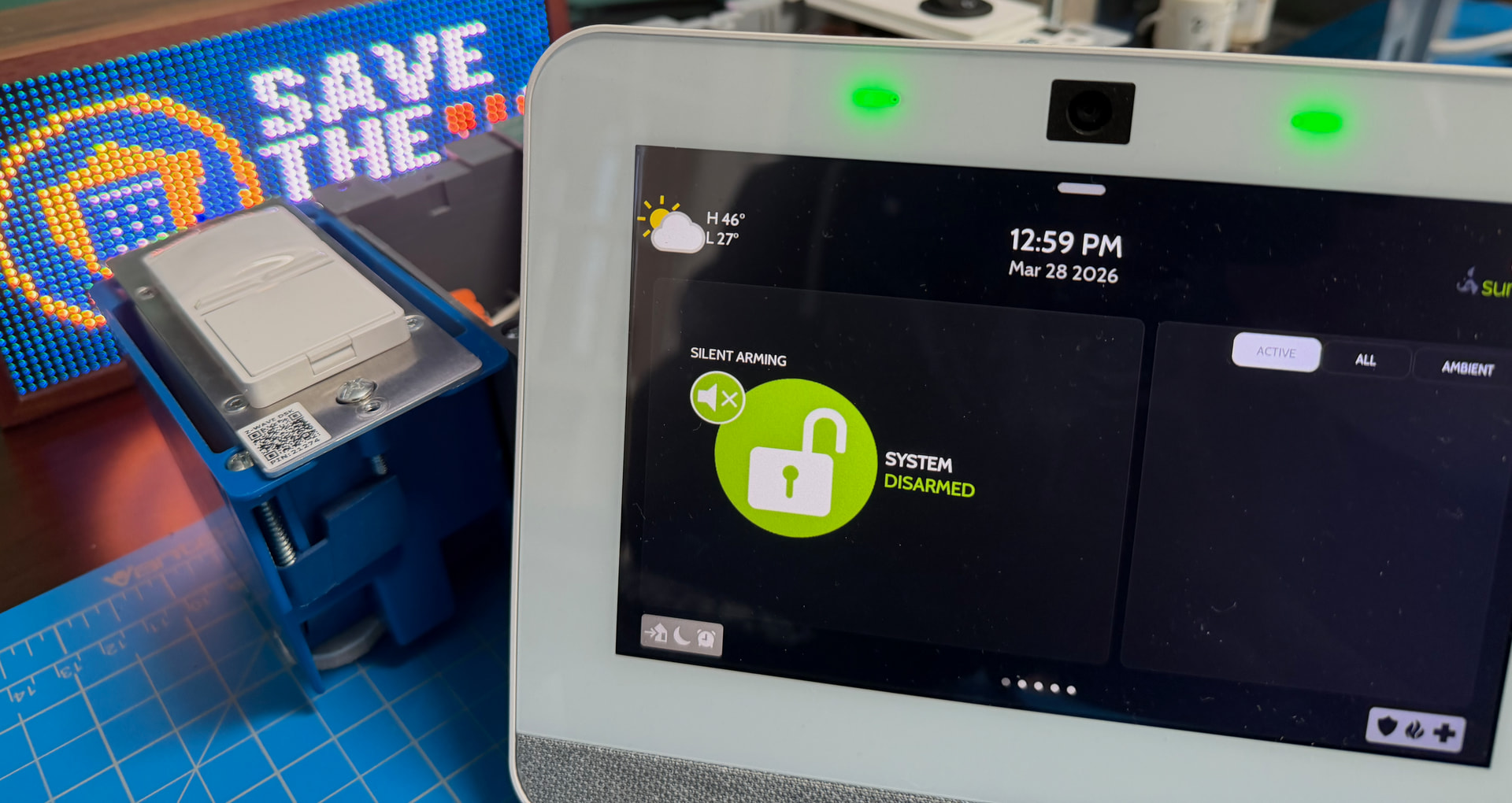
Dark mode will now be enabled!